SNOO
8 Ways to Customise SNOO for Your Unique Baby
Personalise your baby’s SNOO with these “hidden” features!
Written by
Happiest Baby Staff
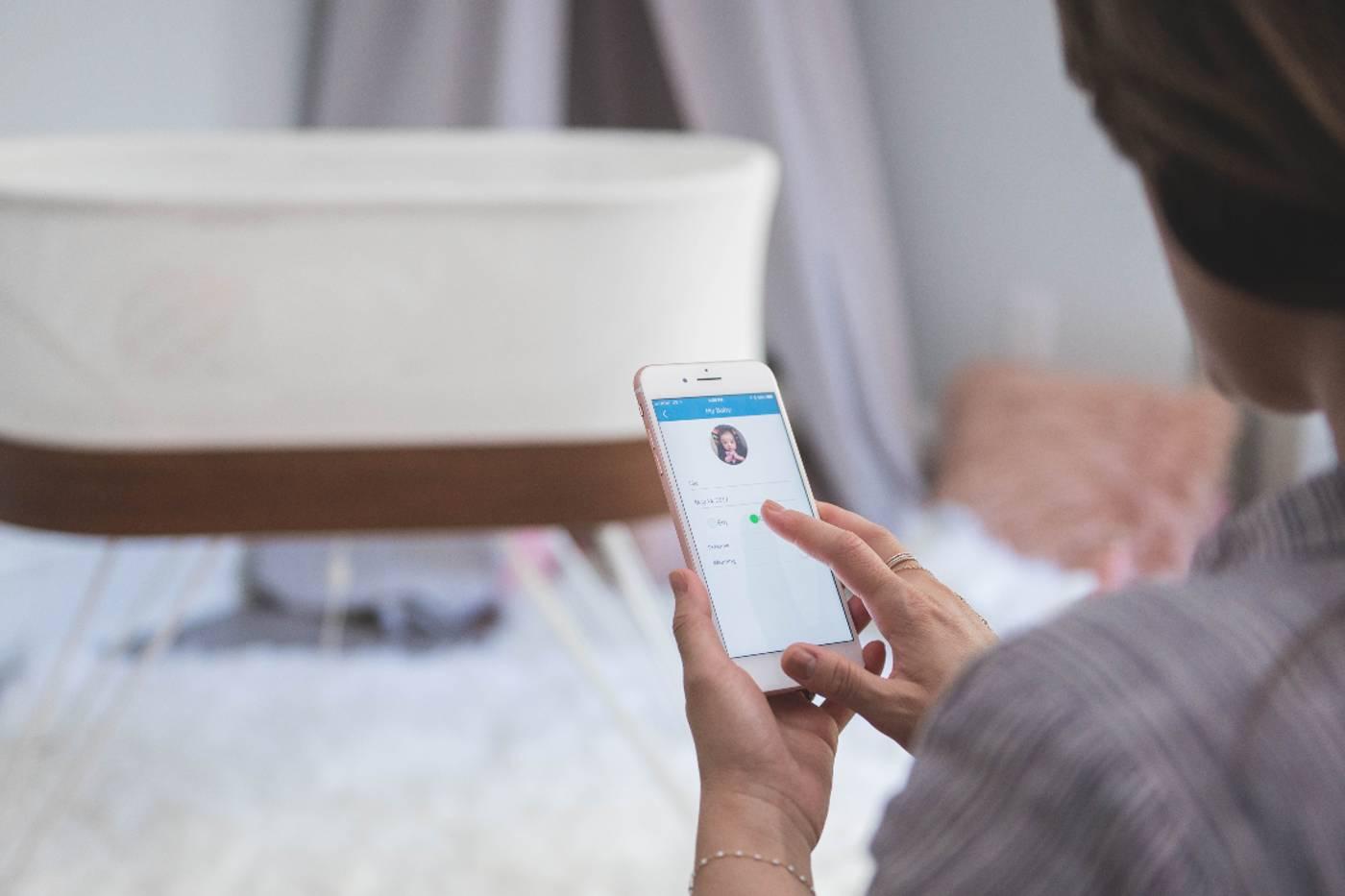
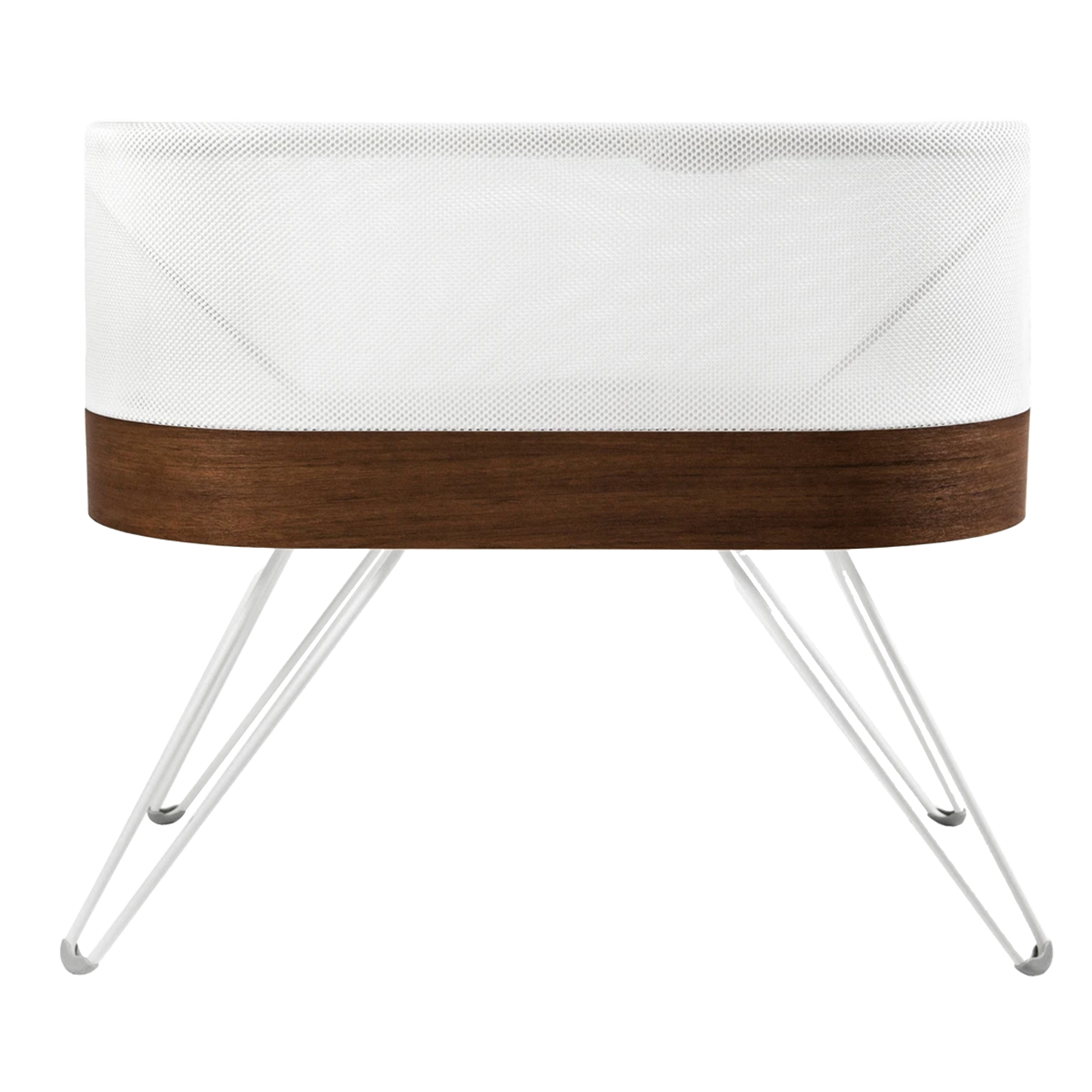
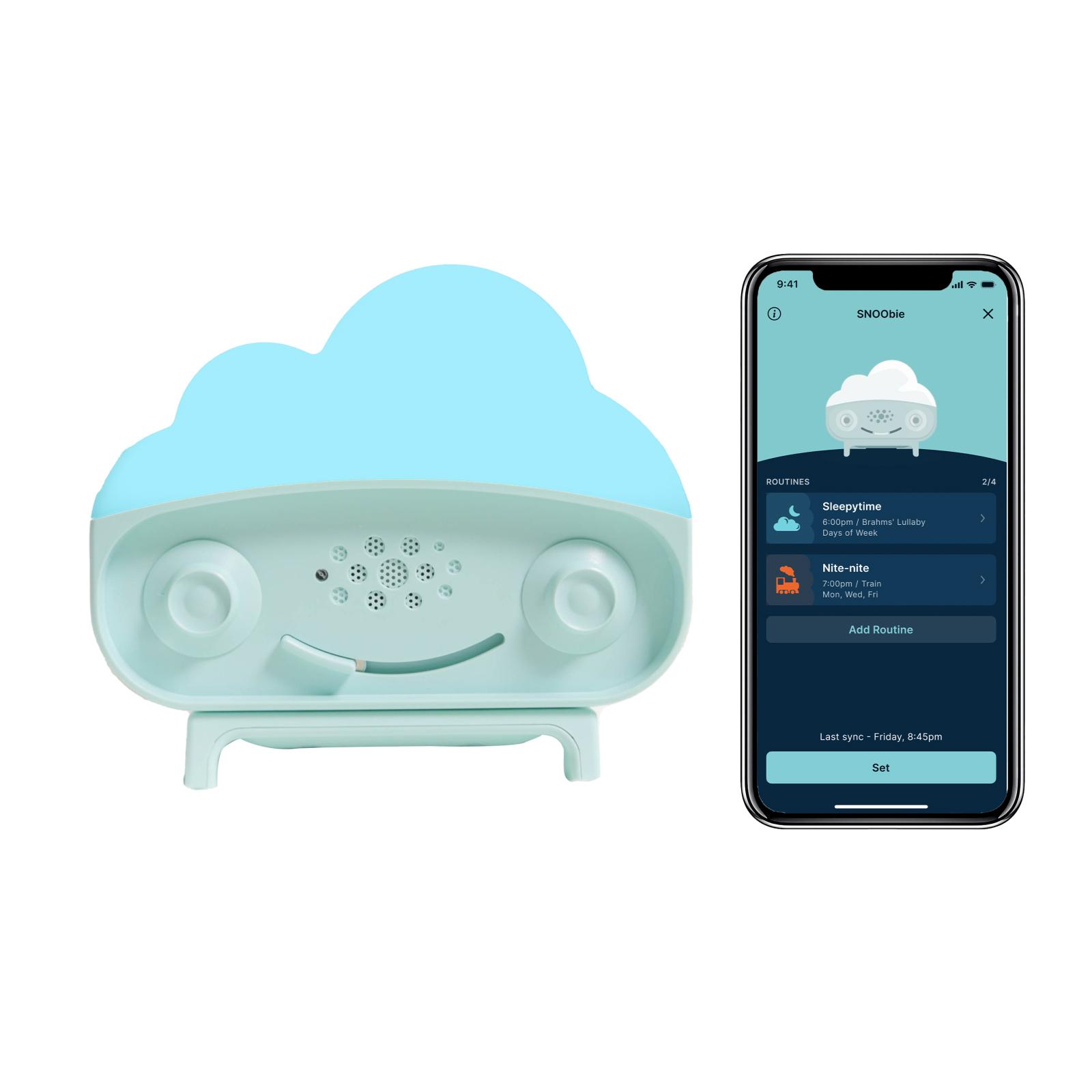
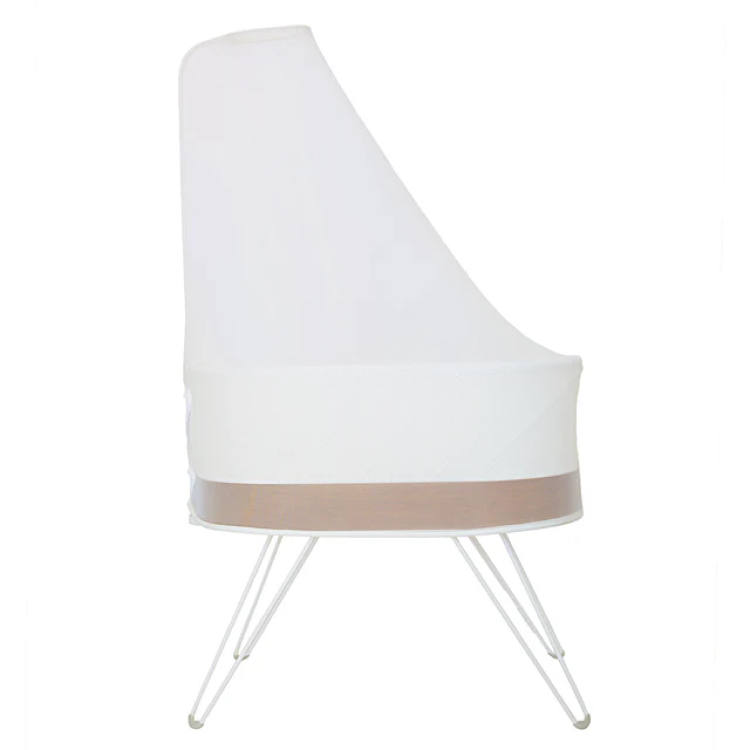
SNOO is the ultimate smart bassinet…but it may be even smarter than you realise! Beyond responding to your baby’s cries with the just-right amount of soothing sound and motion to add an hour or more of sleep each night, SNOO is a highly customisable baby bassinet. Our connected Happiest Baby App (which you can download in the Apple or Google Play store) gives parents lots of ways to personalise SNOO to cater to their little one’s unique needs.
Here are a few Happiest Baby App features to help you—and your bub—get the most out of SNOO!
Some settings and features are available to all App users for free, and others are Premium features which require a subscription. (If you order SNOO directly through Happiest Baby or an authorised partner, you'll get a FREE Premium subscription with your purchase! Other users can purchase a subscription for a monthly fee.)
Motion Limiter
Some little ones don’t love faster jiggly motion—or just need a little time to get used to it. The Motion Limiter feature lets SNOO respond to any fussing with increased rocking and sound, but it prevents the motion from going above Level 2 (Green). That means, even though the motion won’t go any higher, the calming white noise will go through all levels when activated. (Learn why babies love motion.)
HOW TO ACTIVATE: Go the Settings icon at the bottom of your app screen. Under Modes, toggle on Motion Limiter.
Motion Start Level
Most babies sleep great on SNOO’s normal baseline level (Blue), but some simply snooze better with a bit more sound and motion. Enter: the ability to change your baseline level with Motion Start Level. This option can be super helpful for any baby whose sleep is disturbed by a stuffy nose, a growth spurt, teething, or a sleep regression. (Often babies go through a major sleep regression at 3 to 4 months old.) Try increasing SNOO’s baseline to Level 1 (Purple) or Level 2 (Green) for a few weeks to get your baby back into a better sleep pattern.
HOW TO ACTIVATE: Head to the Setting icon at the bottom of your Happiest Baby App screen and find Preferences. Next, click on Motion Start Level (aka Starting Level Motion) and then check whichever level you’d like SNOO to begin on.
Responsiveness
This handy feature allows you to make SNOO more responsive to soft cries—or less responsive to loud grunts. For instance, if your little one is a naturally loud sleeper, you can make SNOO less responsive, so it doesn’t mistake your baby’s noisy grunts and toots as cries. (Learn more about baby grunting in sleep and other sleep sounds.) Likewise, when SNOO’s responsiveness is set higher, it can better react to quiet fussing.
HOW TO ACTIVATE: Head to the Setting icon in your Happiest Baby App, then go Preferences. Click on Responsiveness to start modifying. Here, you can now choose from five levels of responsiveness!
Level Lock
Think of Level Locking as SNOO’s cruise control! When SNOO is locked on baseline through Level 2 (Green), it won’t increase or decrease sound or motion, no matter if your baby is crying or calm. Level Lock can be helpful for babies who wake often.
HOW TO ACTIVATE: Turn SNOO on, then use the Happiest Baby App to advance to Level 1 (Purple) or Level 2 (Green). When you get to the level you want, quickly press the Lock icon below the Play/Pause button. At that point, you’ll notice the icon lock itself, which means you’ve successfully engaged Level Lock.
Weaning Mode
By activating Weaning Mode, you allow calming white noise to continue all night long—but SNOO will only rock if your baby cries. This feature is ideal for babies ready to transition to the cot and babies who no longer need constant motion (usually babies around 5 to 6 months). If you’re using Weaning Mode to help transition your bub to the cot, it’s a good idea to first undo the snaps at the shoulder of your SNOO Sack, allowing one arm free. Once that transition is successful, let the other arm out…then turn on Weaning mode. (Here’s a step-by-step on how to transition Baby from SNOO to a cot.)
HOW TO ACTIVATE: To turn on Weaning, go to the Setting icon at the bottom of your screen. Under Modes, toggle to Weaning and engage. (When the Weaning is on, a W icon will show in the screen's upper right corner.) PS: The Weaning feature can only be used when SNOO is at the baseline level (Blue). So, if you have SNOO starting on a higher baseline, you should change it back two weeks prior to starting Weaning. This helps your baby get used to less and less motion.
Adjust Volume
Easily adjust both SNOO’s baseline white noise volume and soothing white noise volume. For very fussy babies, Dr. Harvey Karp recommends increasing SNOO’s volume to help soothe them back to a deep slumber. Rest assured, even at SNOO’s highest level, the volume is still very safe for your little one’s ears!
HOW TO ACTIVATE: Once you open the App, select the Setting icon. Go to Preferences and click on Volume. There you can choose from five starting level volume options and then you can select from three soothing level options.
Car Ride Mode
Have you noticed how much babies love catching ZZZs in a moving car? Car Ride Mode replicates this slumber-inducing motion. When you enable Car Ride Mode, SNOO’s slow rocking will add a slight jiggle every so often, just like the occasional bounce your baby would experience when snoozing in a vehicle. For instance, when SNOO is soothing your little one on baseline (Blue) or Level 1 (Yellow), every 5 minutes the motion will briefly increase to Level 2’s (Green) motion.
HOW TO ACTIVATE: Whether you’re using an iOS or Android mobile device, select the Account icon, go to Settings, then Modes, then tap Car Ride Mode. Once there, toggle on.
Sleepytime Sounds
Your baby doesn’t need to be in SNOO to enjoy its soothing sounds! The Sleepytime Sounds feature turns SNOO into a white noise machine that you can use before and after your bub’s SNOO sessions. For example, if set Sleepytime Sounds for 30 minutes, SNOO’s signature white noise will play for up to 30 minutes before and after your little one’s SNOOze sesh. This means your little one can enjoy the white noise they love as you get them ready for sleep and as they ease into wakefulness.
HOW TO ACTIVATE: Select the Account icon, then go to Settings, then Preferences, then Sleepytime Sounds where you can set the time you’d like white noise to play before and after each SNOO session. You can pick anywhere from 15 minutes to 3 hours. (If you decide to enable Sleepytime Sounds while your baby is already asleep in SNOO, the white noise will continue playing for a set period after your baby is out of the bassinet.)
Learn More About SNOO:
- 8 Tips to Help Your Baby Get Used to SNOO
- When Should You Order SNOO?
- Meet SNOO’s Award-Winning Safety Features
Disclaimer: The information on our site is NOT medical advice for any specific person or condition. It is only meant as general information. If you have any medical questions and concerns about your child or yourself, please contact your health provider. Breastmilk is the best source of nutrition for babies. It is important that, in preparation for and during breastfeeding, mothers eat a healthy, balanced diet. Combined breast- and bottle-feeding in the first weeks of life may reduce the supply of a mother's breastmilk and reversing the decision not to breastfeed is difficult. If you do decide to use infant formula, you should follow instructions carefully.

SHARE THIS ARTICLE
PARENT PICKS
Bestsellers